How it works
From inbox noise to one clean digest.
Connect once, tell it who and what matters, and the inbox noise becomes one clean digest, every date already on your calendar. Four steps, then it runs on its own.
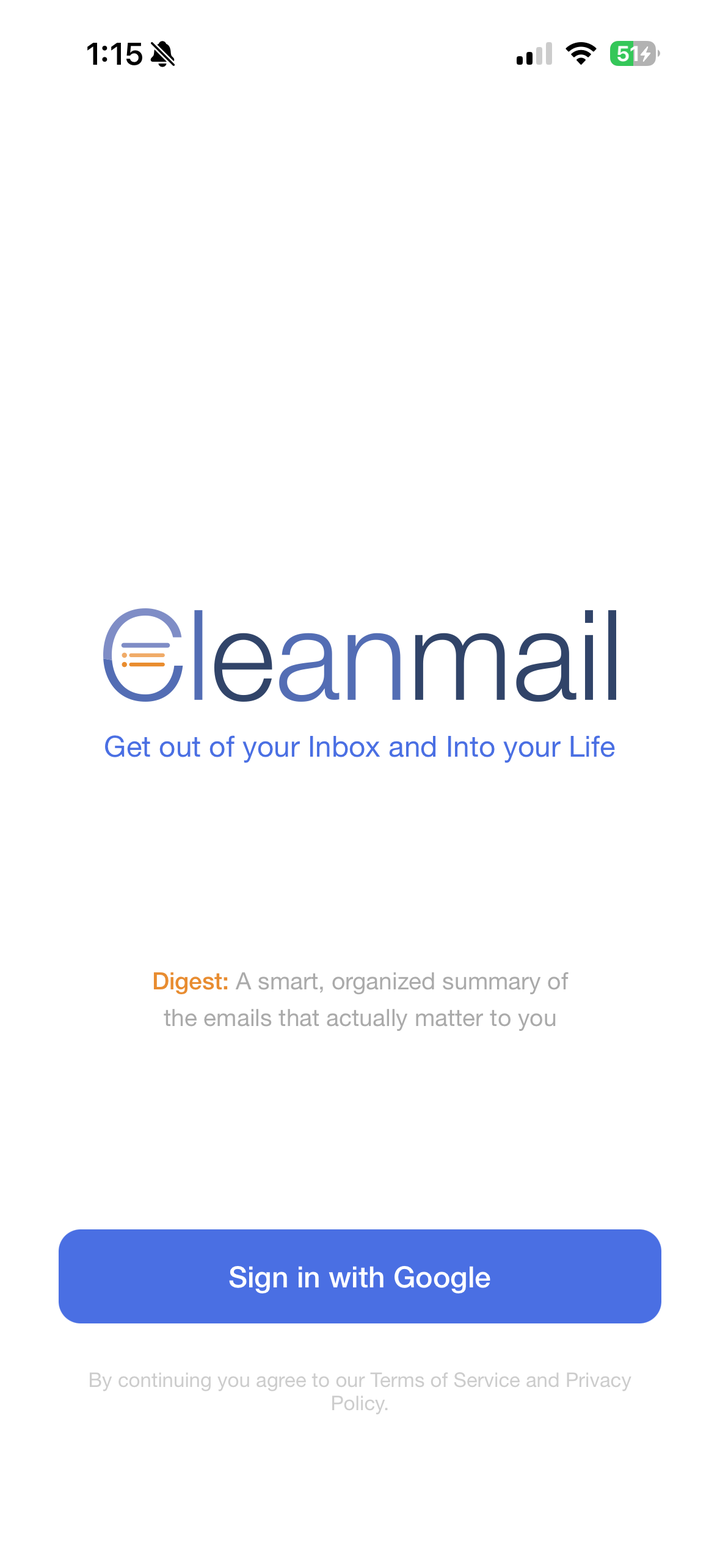
Connect your Gmail
Sign in with Google, read-only access only. That's the whole setup. We never sell your information, and your raw emails are never stored.
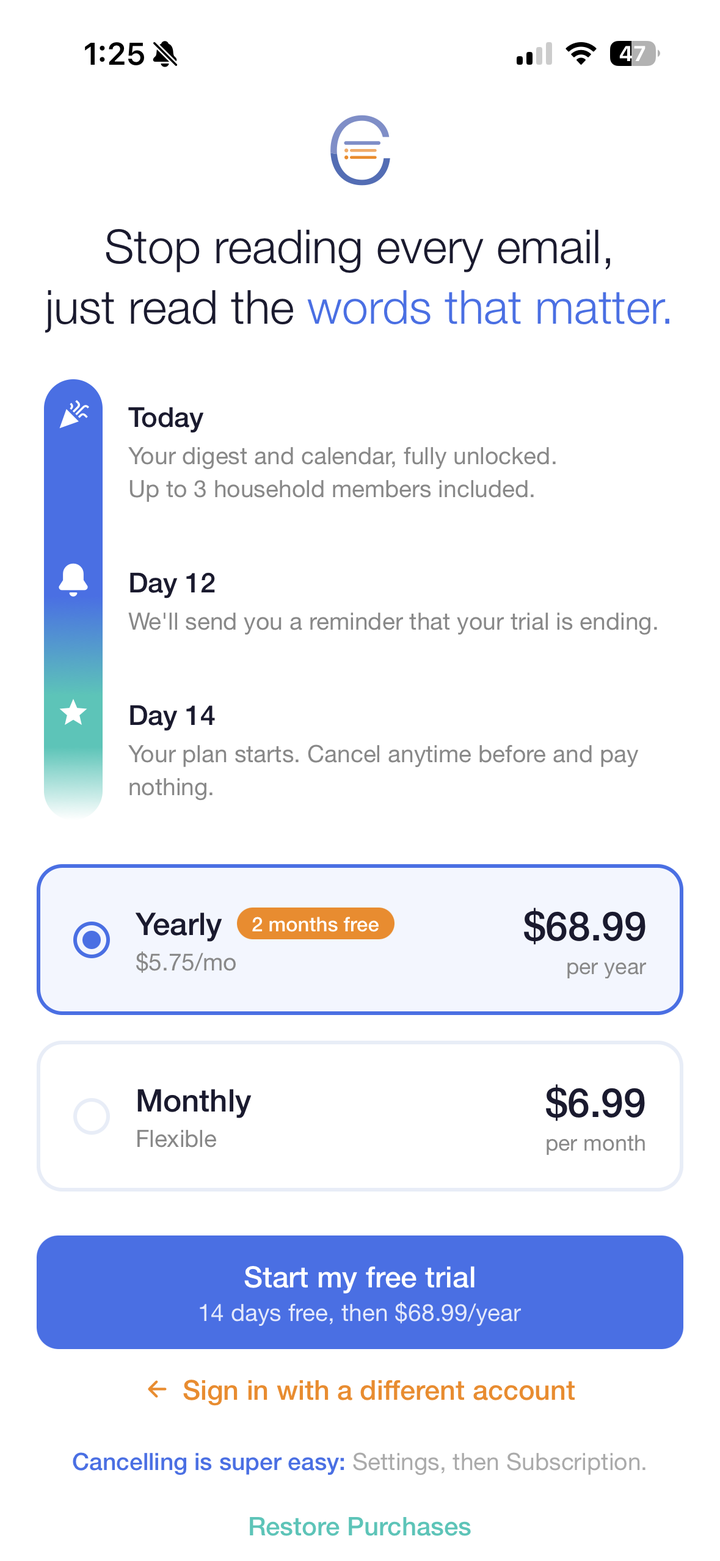
Start your free trial
Fourteen days free, then monthly or yearly. One plan covers your whole household, and cancelling is easy from Settings anytime.
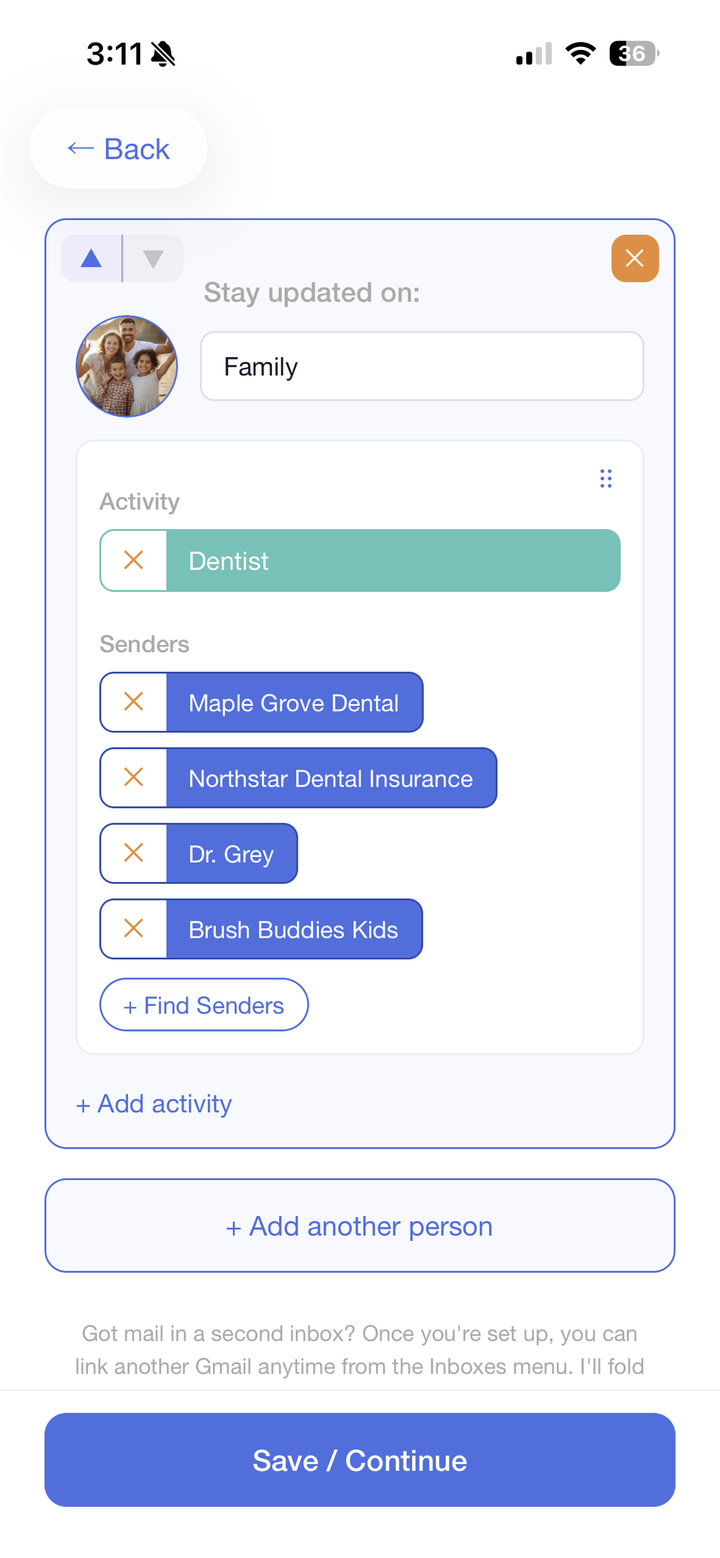
Tell it who and what matters
Add the people you're tracking, each with their activities, then drop in the senders who email about them. Want a household member in too? Up to four people can share one digest.
Get your digest
From then on your digest builds itself, updating as soon as an email hits your inbox, sorted by person and activity. The dates buried in those emails? Already on your Google Calendar.
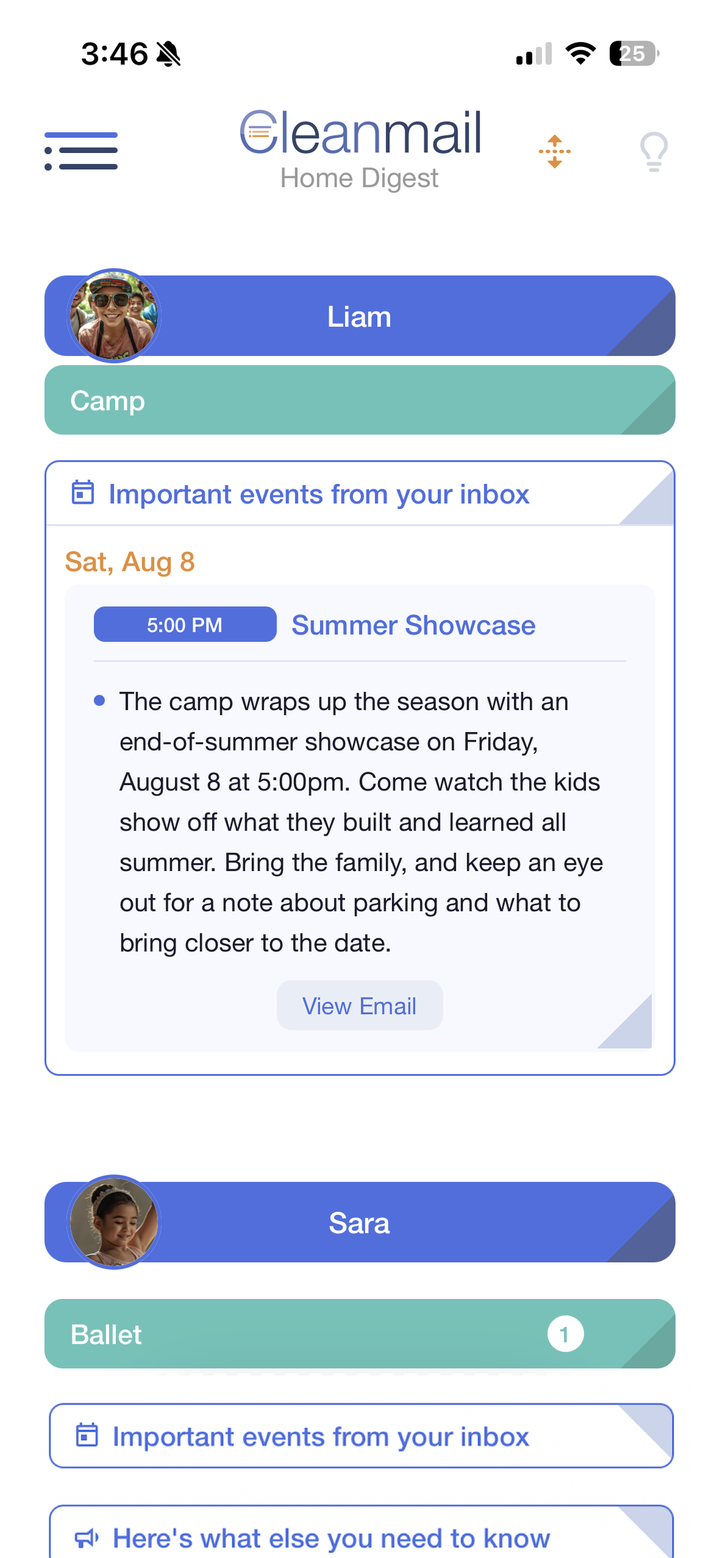
And when it isn't in your inbox
Some things never hit your email: the flyer on the fridge, the field-trip form, the coach reading out dates. Snap it, upload it, or just say it out loud, and it lands in the same clean digest.
The old way
- Forward emails to an app, one at a time
- Type every date into a calendar yourself
- Dig through the inbox for the permission slip
- Miss the one email that actually mattered
With Cleanmail
- Connect Gmail once, read-only
- Your digest only covers the senders you pick
- Sorted by kid and activity, shared with your household
- Every date on your Google Calendar, both ways
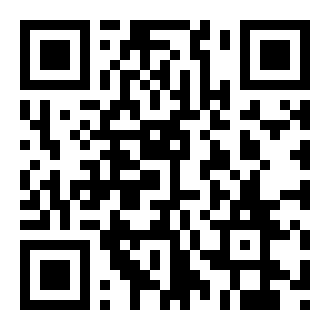 Scan to download